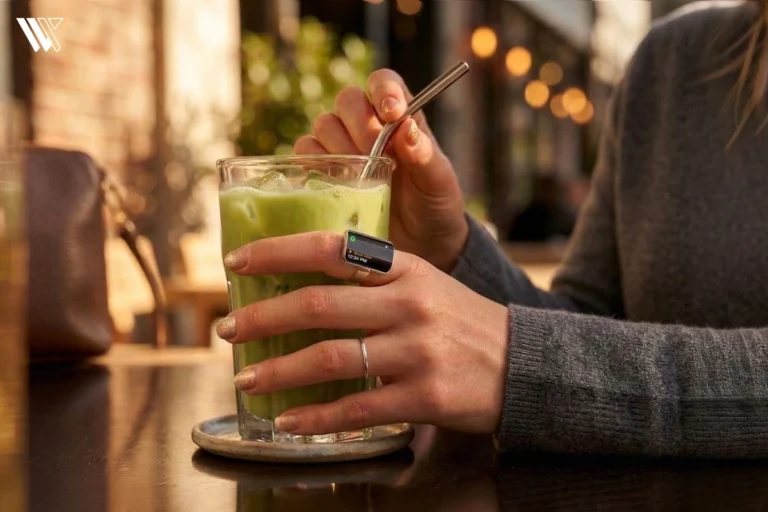
 NewsAina Ring Explained: The AI Smart Ring That Lets You Control Apps Without Your Phone
Breaking Down the Galaxy Ring’s SpO2 Tracking
Discover how the Galaxy Ring’s blood oxygen tracking stacks up. Is it a game changer for minimal wearables, or does it fall short of expectations?
Independently tested. We never accept payment for reviews.How we test

What’s inside3 sections · 2 min read
I was one of the many people who were excited about the launch of the Galaxy Ring for the many features it boasted about. One thing I was excited about was getting the blood oxygen reading without wearing my bulky smartwatch.
For someone like me, who prefers minimal wearable devices, this was set to be a game-changer. Alas, that was not the case.
When Does the Galaxy Ring Track SpO2?#

The Galaxy Ring measures blood oxygen each minute during sleep. The same is then displayed as a part of my ‘Sleep Score’. It displays the lowest blood oxygen the ring recorded through the night.
I was disappointed to know that there is no on-demand blood oxygen sensing in the Galaxy Ring. After much fiddling with the app, I came to the conclusion that the number displayed was the only one I was going to get.
Samsung is set to help you detect abnormal sleep patterns with the lowest reading of blood oxygen, such as sleep apnea. Although it won’t explicitly diagnose the condition, you will be able to judge if something is wrong by tracking the readings over time.
But would I trust these numbers?
On Point or Just a Fluke?#
The Galaxy Ring has displayed my blood oxygen reading dropping as low as 83%. If I were to go by this number on the app, I would be at the doctor’s for the most part.
My personal experience, as well as what I’ve seen and heard people with the ring say about blood oxygen sensing, is far from accurate, so much so that a person who was testing the ring along with a finger pulse oximeter claimed the reading to be off by 15-20%.
I’m not saying it’s constantly in the 70s range, but even then, the accuracy is highly questionable. There have yet to be studies and research conducted on the accuracy of the health metrics of the Galaxy Ring.
Wrap Up#
When the Galaxy Ring entered the market with a brand name as prestigious as Samsung’s, it was bound to make headlines, which it did. But did it stay true to the hype? I’m afraid not.
Samsung’s health metrics feel half-baked, especially for a product whose main focus is health and wellness. The blood oxygen sensing by the Galaxy Ring is far from perfect. But, I do believe since the Galaxy Ring is Samsung’s first product with its core focus on health metrics, it might push them to make it better.
Here’s hoping my opinions change with future updates of the Galaxy Ring.
FAQs#
01Can I turn off SpO2 tracking in my Galaxy Ring?
To turn off the SpO2 tracking, go to the Samsung Health app > ‘Health settings’ > Tap ‘Sleep’ > Toggle off ‘Blood oxygen during sleep’.
02Where can I see my blood oxygen in the Galaxy Ring?
On the Samsung Health app, tap ‘Sleep’. This is where you will be able to see all the information related to sleep on the screen.
 SP
Written by
Review Specialist
With an eye for detail and a particular interest in FemTech, Shradha at WearableXP oversees editorial direction and publishing standards. Her focus on Smart Rings and compact wearables centers on how they integrate health insights, sleep tracking, and recovery metrics into day-to-day lives, making data feel more practical and relatable.
More from Shradha 298 storiesKeep readingmore from Smart Rings
All storiesNewsAina Ring Explained: The AI Smart Ring That Lets You Control Apps Without Your Phone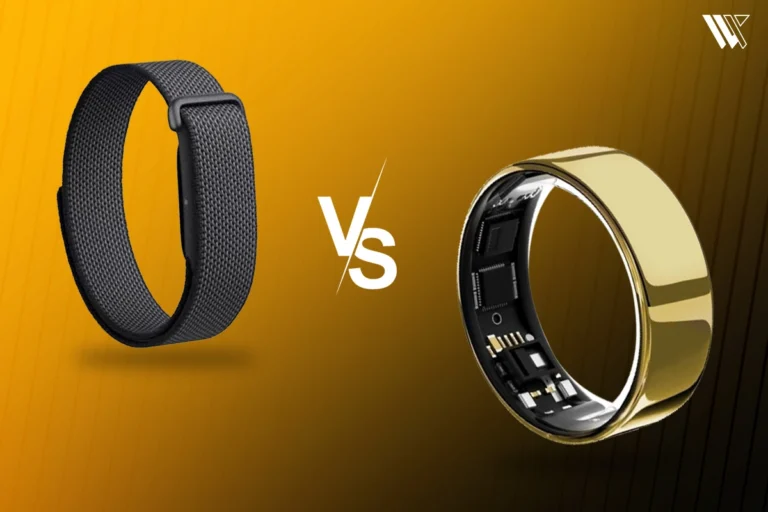 Screenless BandsFitbit Air vs Ultrahuman Air: Which Screenless Wearable Is Right for You?
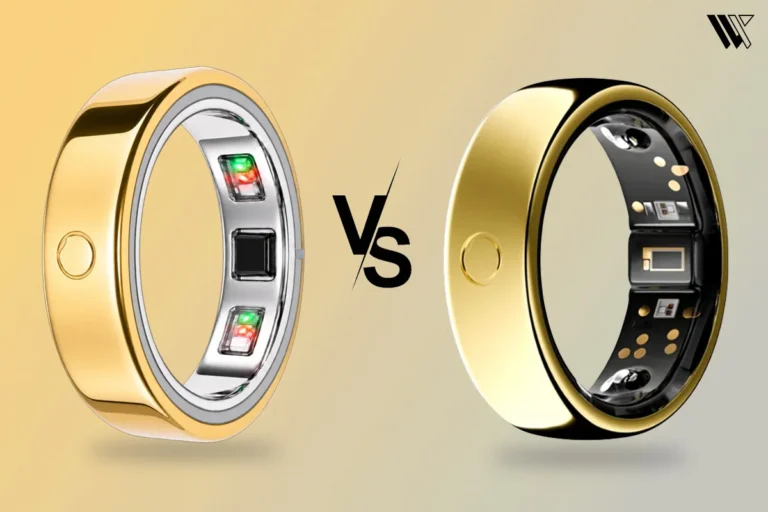 Smart RingsCircular Ring 2 vs Circular Ring 3: What Changed and Should You Upgrade?