

Fitbit and Apple are fierce competitors. However, you can still connect Fitbit to Apple Health App. It’s no myth! Connecting your Fitbit to the Apple Health App is a lifesaver. If you still do not know the trick, let us share the secret with you.
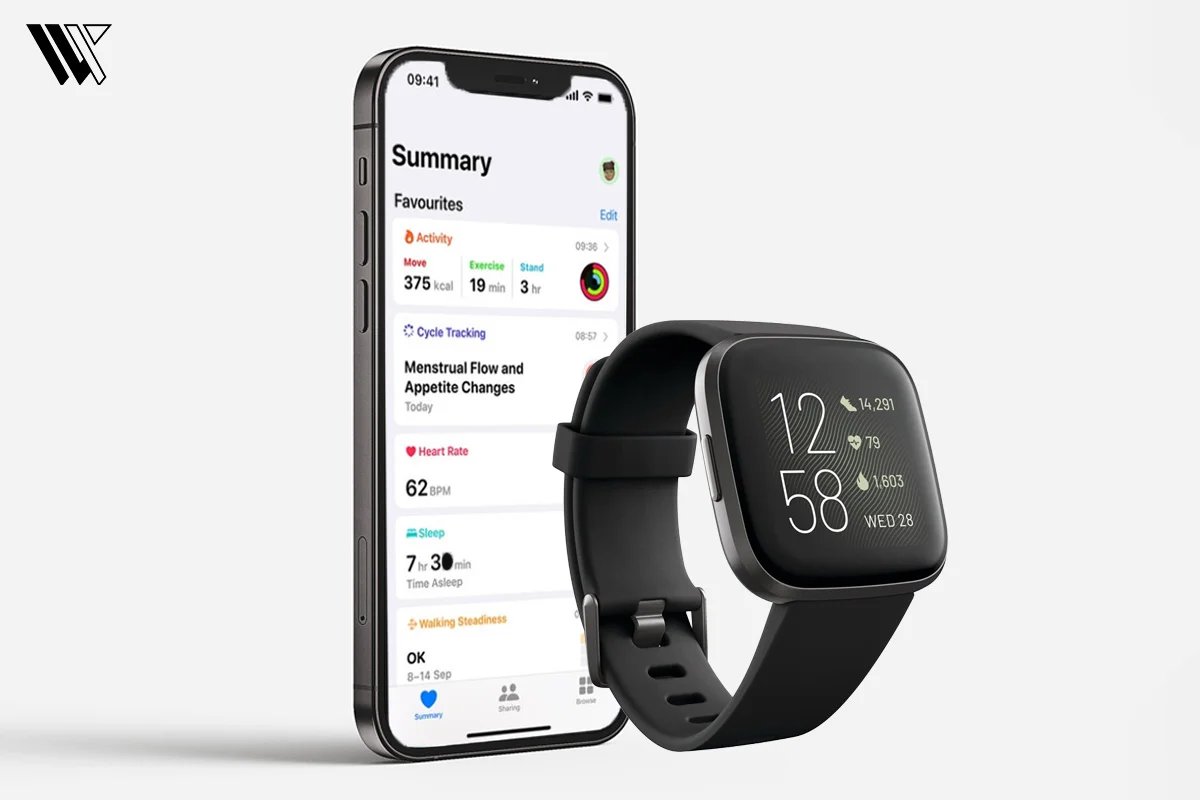
Now that you are looking for an answer to “How to connect Fitbit to Apple Health App?”, we must warn you that there is no direct way to connect the two. All you can do is depend on the third-party app!
It is unfortunate, but you cannot connect Fitbit to the Apple Health App directly.
Best App To Sync Fitbit With Apple Health
1. Sync Solver – Fitbit To Health
Sync Solver is one of the finest third-party apps available in the App Store. Developed by Best Free and Fun Games, LLC, this app will help you connect Fitbit to Apple Health app. From calorie intake to BMI, you can sync almost any data using this app.
Decode the Decor
The Smart Jewelry Revolution — a practical guide to wearable tech.
This app will cost you $4.99 (one-time). The app is easy to set up and syncs data fast. Here is how to use this app:
Step 1: Download the Sync Solver app from the App Store.
Step 2: Launch the App and tap on Sync Now.
Step 3: Next, tap Continue > Turn All Categories On.
Step 4: Shortly, you will be asked to grant permission to access Fitbit. Log in to Fitbit and you are ready to go!
2. Power Sync For Fitbit
This is another powerful app to connect Fitbit to Apple Health App. Download the Power Sync for Fitbit from the App Store, and you can use this app for free!
With this app, Apple Health can read data from Fitbit for multiple parameters like calories burned, steps, sleep quality, stairs climbed, weight, and heart rate.
Here is how to use this app:
Step 1: Download Power Sync from the App Store. It is a free app.
Step 2: Launch the app and tap on Sync Now.
Step 3: You will be directed to the Fitbit app, and place your login credentials. Grant necessary permissions.
Step 4: Next, tap Allow, and all your performances will be saved.
3. Fitbit To Apple Health Sync (by Bickster LLC)
Bickster LLC developed this amazing app to connect Fitbit to Apple Health App. Note that this app can only sync 14 data fields and no more than that. You can manually choose the data set and sync.
Here is how to use this app:
Step 1: Download Fitbit to Apple Health Sync from the App Store.
Step 2: Launch the app and log in to Fitbit.
Step 3: Tap Allow to sync all the data.
Step 4: Tap All Categories On in Apple Health.
View Your Fitbit Data In The Apple Health App
To make sure that your Fitbit is syncing data with your downloaded app on your iPhone,
- Place your Fitbit and iPhone within Bluetooth range.
- Then open the Fitbit app > choose your profile icon > ensure your device syncs.
- Launch your sync app > Sync Now.
- Open the Apple Health App > Summary section to check the updated data.
- If it doesn’t show, go to Apple Health > Sources > Your Sync App > Turn All Categories On.
This is how you can connect Fitbit to Apple Health app!
Conclusion
The Apple Health App is no doubt the best way to keep track of your health parameters. But what if you can sync and connect Fitbit to Apple Health app? It’s even better!
So, wait no more and download the third-party apps as shared in this article and connect Fitbit to the Apple Health App. Try today and share your experience! You can also add your Oura Ring data to the Apple Health app.
Frequently Asked Questions
Decode the Decor
The Smart Jewelry Revolution
A practical guide to wearable tech's future — delivered straight to your inbox.
Author
