

Fitbit comes with surprising features and lots of symbols! But, do you know what these symbols mean on your Fitbit? If you’ve ever been puzzled about what a moon icon, phone with a slash, water droplet or a lightning symbol means, you’re not alone.
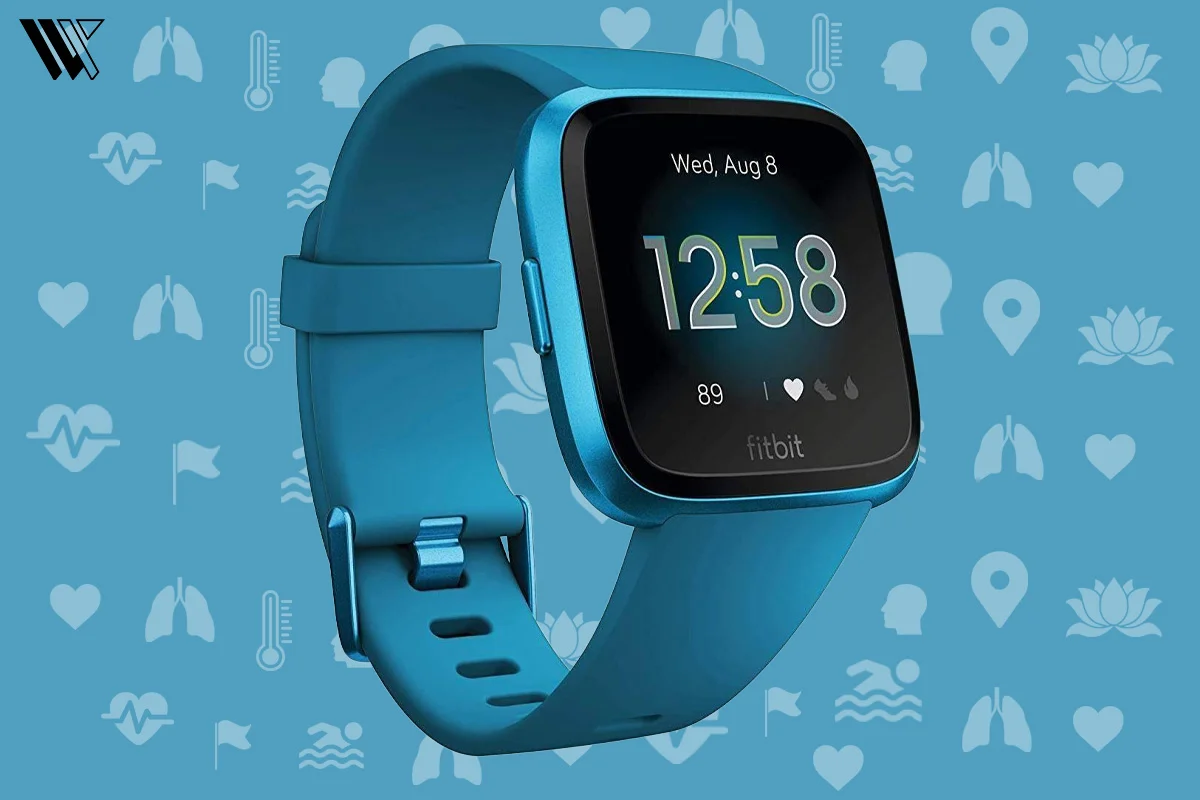
Fitbit symbols are small status icons that show your activity, health stats, workout modes, battery levels, notifications and connection status. In this guide, we are going to help you understand the meaning of Fitbit Symbols across newer and older models. Let’s decode!
Fitbit Symbols Quick Lookup
| Fitbit Symbol | Meaning | Where It Appears | What To Do |
|---|---|---|---|
| Flame | Calories burned | Daily stats/watch face | Tap to view calorie data |
| Heart | Heart rate | Health dashboard/workouts | Check current BPM |
| Shoe | Daily step count | Daily activity stats | View step count |
| Moon | Sleep Mode activated | Top status bar/Quick Settings | Turn off Sleep Mode if needed |
| Rectangle with line | Do Not Disturb (DND) | Top status bar | Disable DND to receive notifications |
| Droplet | Water Lock | Swim mode/Quick Settings | Unlock after swimming |
| Phone with slash | Fitbit disconnected from phone | Status indicator | Reconnect Bluetooth and sync |
| Battery | Low battery | Status bar | Charge Fitbit |
| Three chevrons ▲▲▲ | Active Zone Minutes | Fitness stats/workouts | Tracks heart-zone activity |
| Wallet | Fitbit Pay | Apps/Quick Settings | Use contactless payments |
What Do The Default Symbols Mean On My Fitbit?
There are more than 15 default Fitbit icons that are common on every Fitbit model. It also means that these default icons refer to some default actions on every Fitbit model.
| Symbol Name | Symbol Meaning |
|---|---|
| Today | Today’s icon leads to a tab where you can find all of your daily metrics- steps, calories, etc. |
| On Wrist | This symbol will be displayed by your Fitbit when you wear it correctly on your wrist. |
| Sleep Mode (Moon) | Sleep Mode reduces screen brightness, mutes notifications, disables wrist wake and lowers distractions while sleeping. |
| Sleep Mode (Variant) | This symbol will also activate the sleep mode, but you will receive certain alerts. (available on select models) |
| Do Not Disturb | Mute all notifications, which is extremely helpful if you are in a meeting room or on a serious task, where your complete attention is required. |
| Always on Display | Tapping on this symbol will always keep your Fitbit screen on whether you are using it or not. |
| Screen Brightness | This brightness symbol helps you to control the brightness of the Fitbit screen. |
| Music | With this symbol, you can control your Music playback. |
| Volume | If you have paired speakers or headphones with your watch, you can adjust the volume with this icon. |
| Clocks App | This symbol will help you to swap between the available clock faces. |
| Setting (Gear Icon) | Tap on this symbol and access the Settings of your Fitbit. |
| Water Lock (Droplet Icon) | This disables touch to prevent accidental taps in water. |
| Fitbit Pay | If you want, you can go for contactless payment with Fitbit Pay/ NFC. |
| Auto Wake (Wrist Icon) | If you activate this symbol, your Fitbit screen will turn on each time you move your wrist. |
| Weather (Cloud Icon) | Stay updated with real-time weather by tapping on this icon. |
| Alarm (Bell Icon) | You can set an alarm on your Fitbit watch just like any other smartwatch, just by tapping on the alarm symbol. |
| Quick Settings (Slider Icon) | Tapping on this symbol will give you quick access to basic stuff. |
New Fitbit Status Indicators Explained
Newer versions of the Fitbit such as the Charge 6, Inspire 3, Versa 4 and Sense 2, feature icons that are displayed at the top of the screen whenever the Fitbit is on. The icons flash for a few seconds before disappearing.
Decode the Decor
The Smart Jewelry Revolution — a practical guide to wearable tech.
Do Not Disturb Icon
The DND icon means that calls, reminders, alerts, and notifications are turned off.
How to turn it off:
Swipe to Quick Settings > Tap the DND icon
Sleep Mode Moon Icon
The moon symbol means that Sleep Mode is on. The Fitbit turns off the display, disables screen wake and notification functions.
Why does the moon icon keep showing?
- Sleep Mode might be set to turn on automatically.
- It might still be in Bedtime mode.
- Your Fitbit might not have turned off Sleep Mode even when you wake up.
Fix
Quick Settings > disable Sleep Mode manually
Critically Low Battery Icon
The battery icon means that the battery of your Fitbit is running extremely low and should be charged immediately.
Fix
Charge your Fitbit for at least 15-20 minutes and try to use the original charger if you can. If the problem still persists, restart your Fitbit.
Phone With Slash Icon (Disconnected Phone)
One of the most searched Fitbit symbols is the phone with a line/slash through it. This icon simply means that your Fitbit lost Bluetooth connection with your phone. It could also mean that the Fitbit app may not be running, or the syncing is interrupted.
How to fix the phone disconnected icon on Fitbit
- Turn on Bluetooth > Open Fitbit app.
- Make sure your phone is closer to your Fitbit.
- Restart both devices and re-sync the watch manually.
How To Turn Status Indicators On Or Off
On supported Fitbit models:
Settings > Display > Status Indicators > Toggle On/Off
Fitbit Health Symbols
Fitbit is famous for its contribution to activity tracking and fitness. Let’s explore what the fitness symbols mean on my Fitbit:
| Symbol Name | Symbol Meaning |
|---|---|
| Heart Rate | Tapping on this symbol will show your heart rate. |
| Active Zone Minutes (▲▲▲) | Tracks time spent in fat burn, cardio, and peak heart rate zones. Replaced “Active Minutes” on all newer Fitbit models. |
| Active Minutes (Legacy) | With this symbol, you can expand to view details. |
| Blood Oxygen Saturation | Tap on this health tracking symbol and find your blood oxygen saturation level anytime. |
| Hourly Activity | If you want to track your hourly activity, simply tap on this symbol. |
| Distance | Shows distance traveled during activities. |
| Daily Readiness | Displays readiness score on supported Fitbit Premium devices. |
| Sleep Icon | Opens sleep insights and sleep score data. |
| Calories (Flame Icon) | Looking for how many calories you’ve burned? Tap on this symbol. |
| Steps (Shoe Icon) | Steps tracking is one of the best features offered by Fitbit. Tap on this icon to check your step count insights. |
| Floors | Track how many floors you have crossed. |
| Hours Slept | Find your sleep insights just by tapping on this symbol. |
| Distance | If you are curious to find out the distance you have traveled, tap on this symbol on your Fitbit. |
What Does The Lightning Bolt Mean On Fitbit?
The lightning bolt symbol generally means Active Minutes or activity intensity on older Fitbit devices. However, this metric has mostly been superseded by the Active Zone Minutes (▲▲▲) on recent Fitbit devices.
What Do The Three Arrows Or Three Chevrons Mean On Fitbit?
The chevrons or three arrows logo (▲▲▲) mean Active Zone Minutes. It measures the duration spent in the fat burn zone, cardio zone and peak heart rate zone
The greater the intensity of your physical activity, the higher the number of Active Zone Minutes.
Fitbit Workout Symbols
What do these workout symbols mean on my Fitbit? Is the question often asked by the Fitbit community. Let’s find the list of workout symbols below with explanations.
| Symbol Name | Symbol Meaning |
|---|---|
| Exercise App | Tap on this symbol and find out your exercise details on Fitbit. |
| Walk | Tap on this symbol to discover your walking distance. |
| Run | Track your running record in everyday workouts and check insights by tapping on this symbol |
| Outdoor Bike | Biking recently? Your Fitbit is tracking this activity too! Tap on this icon to find out Outdoor Biking details. |
| Elliptical | Tap on this symbol to discover your Elliptical workout. |
| Sports | If you are in sports, the insights will be found under this symbol. |
| Aerobic Workout | Joined the Aerobics class? Tap on this symbol on your Fitbit tracker and find your Aerobic details. |
| Swimming | Swimming is good for your health and if you are swimming, you can find insights by tapping on this symbol. |
| Play | Tap on this symbol to start recording any activity. |
| Pause | Tap on this symbol to pause recording any activity. |
| End | Tap on this symbol to End recording any activity. |
Fitbit Settings And Mode Symbols
| Symbol | Meaning |
|---|---|
| DND Icon | Silences notifications and calls |
| Sleep Mode | Reduces distractions and dims the display |
| Water Lock | Prevents accidental touches in water |
| Screen Wake | Turns the display on with wrist movement |
| Brightness | Controls screen brightness |
| Always-On Display | Keeps screen visible continuously |
| Settings Gear | Opens settings menu |
| Quick Settings | Fast access to Fitbit controls |
Fitbit Connection, Battery, And GPS Symbols
GPS Connecting Icon
This Fitbit icon appears when your device is trying to connect to GPS before starting a workout.
Sync Issue Icon
This Fitbit icon shows syncing problems between your device and the Fitbit app. To fix the Fitbit syncing problems, you can try these troubleshooting tips:
- Restart the device’s Bluetooth
- Force close the Fitbit app
- Restart both your devices
- Update the phone’s software and the Fitbit firmware
Fitbit Symbols For Exclusive Models
Now that we have covered most of the Fitbit symbols and their meanings, let’s explore some of the symbols that you can find on exclusive Fitbit models only.
| Symbol / Feature | Charge 6 | Charge 5 | Inspire 3 | Inspire 2 | Versa 4 | Versa 3 | Sense 2 | Luxe |
|---|---|---|---|---|---|---|---|---|
| DND Icon | Yes | Yes | Yes | Yes | Yes | Yes | Yes | Yes |
| Sleep Mode | Yes | Yes | Yes | Limited | Yes | Yes | Yes | Yes |
| Water Lock | Yes | Yes | Yes | No | Yes | Yes | Yes | No |
| Phone With Slash Icon | Yes | Limited | Yes | No | Yes | Yes | Yes | No |
| Fitbit Pay / Wallet | Yes | Yes | No | No | Yes | Yes | Yes | No |
| GPS Icons | Yes | Yes | No | No | Yes | Yes | Yes | No |
| Active Zone Minutes | Yes | Yes | Yes | Yes | Yes | Yes | Yes | Yes |
| Find Phone | Yes | Yes | No | No | Yes | Yes | Yes | No |
| Screen Wake Icon | Yes | Yes | Yes | Yes | Yes | Yes | Yes | Yes |
| On-Clip Mode | No | Yes | Yes | Yes | No | No | No | No |
| Stress / ECG Symbols | No | No | No | No | No | No | Yes | No |
Why Does a Fitbit Symbol Keep Showing?
Why does the phone icon keep appearing?
The phone icon keeps appearing on your fitbit because your device is losing connection repeatedly.
To fix this:
- Keep the Bluetooth enabled,
- Allow background activity for the Fitbit app
- Restart both devices
Why DND keeps showing?
DND may be scheduled automatically or enabled manually.
To fix this: turn it off from Quick Settings.
Why Sleep Mode is stuck?
Bedtime setting may still be active or a sleep schedule may turn it on automatically.
To fix this: disable Sleep Mode manually from the Settings.
Why will Water Lock not turn off?
Water Lock may require a press-and-hold gesture depending on your Fitbit model.
To fix this: Follow the on-screen instructions to unlock the Water Lock.
Why does the battery icon appear even after charging?
The battery icon on your Fitbit usually means slow charging, faulty charging cable or a battery calibration issue.
To fix this: restart your Fitbit after charging it fully.
Old Fitbit Symbols vs New Fitbit Symbols
The older Fitbit models have a bit different icons than the new Fitbit devices, such as the Charge 6 and Sense 2.
For instance, the older Fitbit model uses the lightning bolt for Active Minutes while the new Fitbit devices display Active Zone Minutes (▲▲▲). New Fitbit devices have the ability to display top-screen status notifications for DND, Sleep Mode, Low Battery, and Disconnected Phone Alerts.
So, if your icons differ from those displayed on various screenshots online, the only difference is that you have a different Fitbit device.
Wrap Up
In this article, we have discussed more than 15 symbols that you can find on the Fitbit devices. Some of these symbols are default, and some are exclusive to each model.
However, when you know all the symbols, it will be easier for you to operate your Fitbit on your wrist. If you still think we have missed any symbol in this article, please share in the comment section so that we can help you further.
If you want to understand how these Fitbit symbols connect to real features, you may also want to check How To Get Text Messages On Fitbit Sense, Inspire, Versa, And Charge Series and Enable DND On Fitbit | Stop The Buzz Without Missing Key Features
Frequently Asked Questions
Decode the Decor
The Smart Jewelry Revolution
A practical guide to wearable tech's future — delivered straight to your inbox.
Author
